
How to Search Forsyth County Court Records
The Forsyth County Clerk of Superior, State & Juvenile Courts runs the main case-search route through re:SearchGA. The Clerk's Case Search page sends users to that portal and explains that participants must register in order to search cases. Online document purchasing is built into the same path. The portal also handles case search for other participating Georgia counties, so a single account can serve more than one county.
Before starting, gather a party name, a case number, or a citation number. Know which court likely heard the case. Civil and felony files are Superior Court. Misdemeanors and traffic citations are State Court. Civil claims of $15,000 or less, dispossessory, and warrants are Magistrate Court. Wills, estates, and marriage records are Probate Court. The right court means the right docket and the right copy fee.
The re:SearchGA portal handles cases for participating Georgia counties.
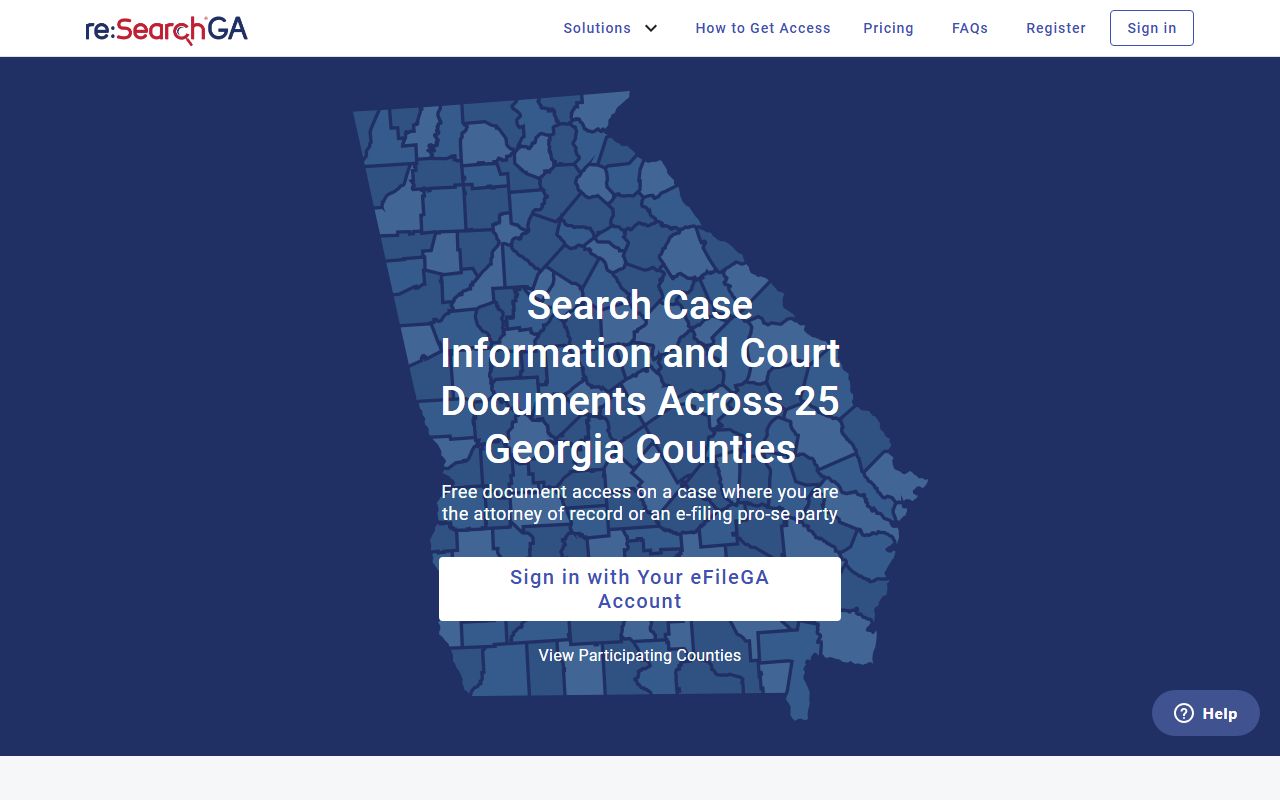
The screenshot shows the portal banner used for Forsyth County court records. Registration is the gate; document purchase is optional.
- Open forsythclerk.com and click "How Do I" then "Case Search."
- Follow the "ONLINE CASE SEARCH" link to re:SearchGA.
- Create or sign in to a re:SearchGA account.
- Search by party name, case number, or county filter.
- Open the case to view parties, filing date, docket entries, and status.
- Buy or download documents through the portal where the case allows it.
- For certified copies, use GSCCCA eCertification or contact the Clerk at 770-781-2120.
Forsyth County Court Records Search Fields
The Clerk's Case Search page documents only a high-level view of the re:SearchGA portal. Direct field-level inspection of re:SearchGA is gated by the registration wall. The visible field set, based on the Clerk's page and the way other participating-county portals work, is below.
| Field Label | Type | Required | Notes / Format |
|---|---|---|---|
| Account registration | Account | Yes | Clerk states participants must register in order to search cases. |
| County / participating jurisdiction | Selector | Likely yes | Use Forsyth County when the county selector is shown. |
| Party name | Text | Optional | Last, first, middle order is standard in Tyler portals. |
| Case number | Text | Optional | Exact format depends on court and year of filing. |
| Date range | Date | Optional | Limits a name search by filing-date window. |
| Document purchase | Transaction | Optional | Clerk lists online document purchasing as a feature of the portal. |
The county also runs Forsyth Odyssey Public Access, which is a separate Tyler login at portal.forsythco.com. That portal asks for a User ID and Password before opening any record view, and the public-facing default is the login wall.
Types of Forsyth County Court Records
Forsyth County court records cover the full Georgia trial-court mix. The Clerk's website groups its work into Accounting, Board of Equalization, Juvenile Court, Superior & State Court Civil, Superior Court Criminal, and State Court Criminal / Traffic Citations. Real Estate sits in the same office, which is why deeds and liens also pass through the Clerk's hands.
The Superior and State civil division handles the largest civil docket.
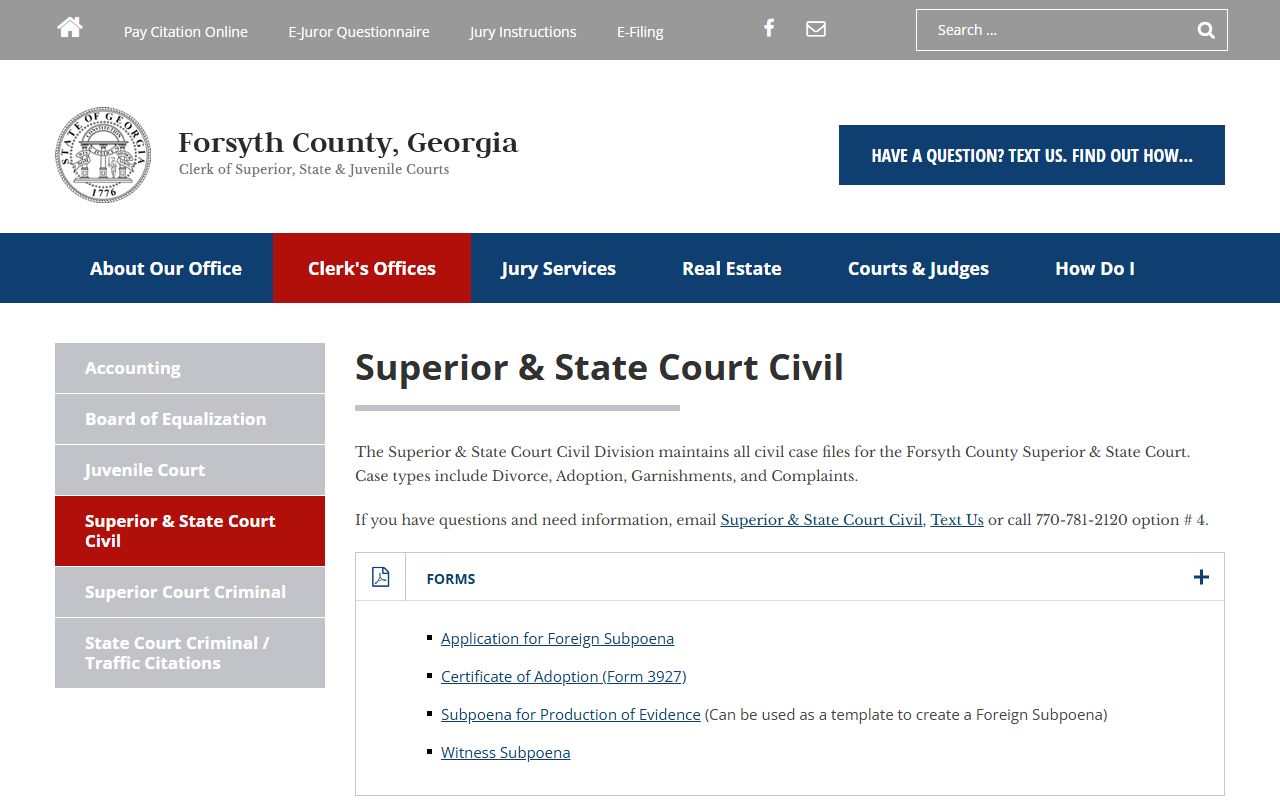
The Superior and State civil page lists the civil filings the Clerk accepts, including complaints, answers, motions, and judgments. Felony files run through Superior Court criminal, a separate division.
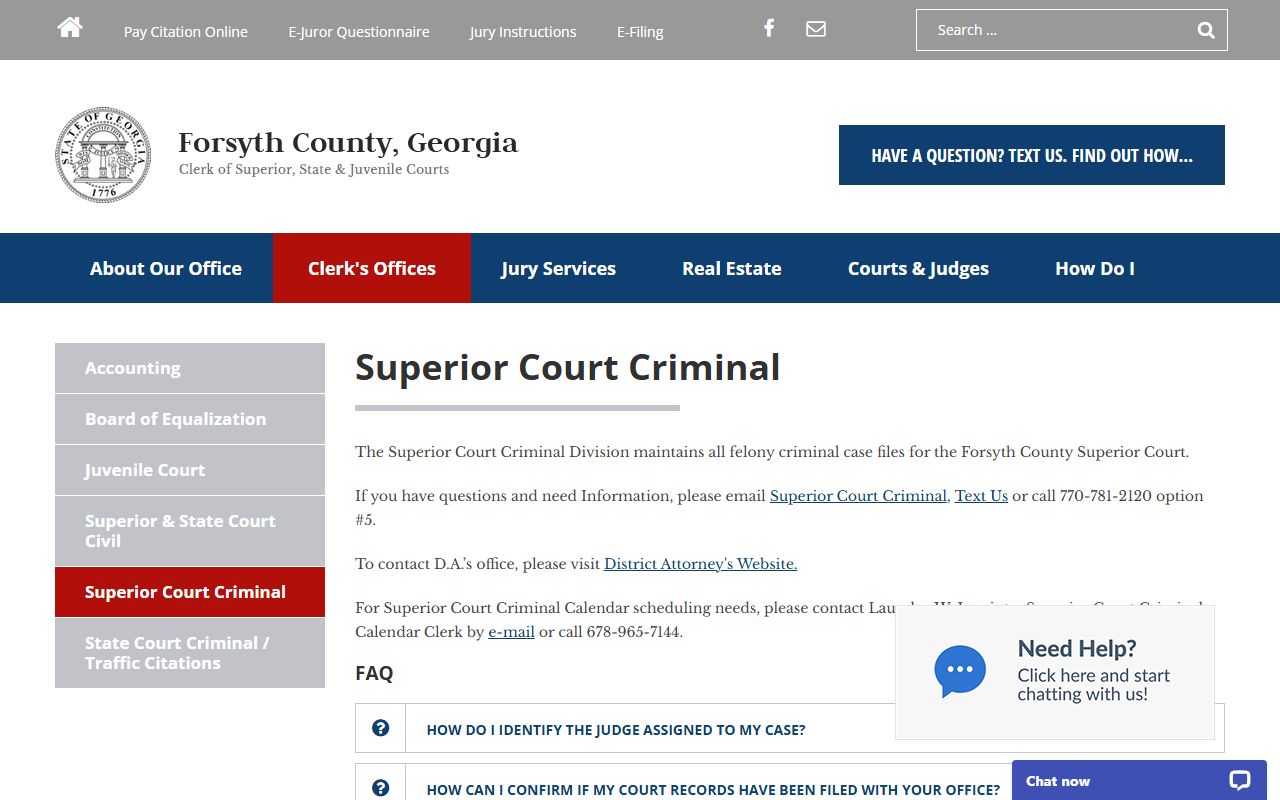
The criminal division page is the entry point for felony filings handled in Superior Court. Each record type below sits with one of the courts above.
- Civil records - Superior, State, or Magistrate filings by amount and subject; court dockets show the calendar side.
- Criminal records - Felony in Superior Court; misdemeanor and traffic in State Court. See criminal records.
- Family and divorce - Divorce, custody, contempt, and protective orders are Superior Court. See marriage and divorce records.
- Probate records - Wills, estates, guardianships, and conservatorships at Probate Court.
- Traffic records - State Court citation files; payment runs through FivePoint. See traffic court records.
- Real estate - Deeds, liens, plats, UCC, trade-name, and PT-61 filings under the Clerk's Real Estate menu.
- Juvenile - Restricted under Georgia juvenile-code rules; do not expect public lookup.
What a Forsyth County Court Record Shows
A case file on re:SearchGA opens to a structured set of fields. The same field map shows up on most Tyler court portals and on paper copies pulled from the Clerk. Knowing the layout helps when reading a docket or comparing a printout to an online file.
| Field | What It Shows |
|---|---|
| Case Number | Court-assigned ID; format varies by court and year. |
| Court / Division | Superior, State, Juvenile, Probate, Magistrate, or Municipal. |
| Filing Date | Date the case or citation entered the system. |
| Parties | Plaintiff, defendant, State of Georgia, petitioner, or estate. |
| Attorneys | Counsel of record when public; appointed counsel when listed. |
| Judge | Assigned judge when the record displays one. |
| Docket Entries | Filings, hearings, orders, pleas, continuances, and judgments. |
| Bond / Financial | Bond amount, fines, costs, restitution, and certified-copy charges. |
| Status | Pending, disposed, sealed, restricted, transferred, or payable. |
| Disposition | Plea, verdict, dismissal, or judgment outcome. |
| Documents | E-filed pleadings, orders, citations, and Probate forms. |
| Redactions | SSNs, account numbers, protected DOBs, and minor identifiers hidden. |
Sealed criminal history under O.C.G.A. 35-3-37 record restriction will not appear in a public search. Juvenile, adoption, and mental-health filings also stay off the public docket view.
Public Access Framework for Forsyth County Court Records
Georgia's Open Records Act, O.C.G.A. 50-18-70 and following, sets the default for public records. Court files also fall under Uniform Superior Court Rule 21, which states court records are public unless a law or rule procedure limits access. Most Forsyth County court records open by default.
Anyone can request records. There is no in-state residency rule. Agencies may charge lawful search, retrieval, redaction, and copy costs. Many summaries cite a three business-day response window for open-records requests outside the court-file context. The Attorney General's open-government guide covers the response process for non-court agency records, while Clerk records follow the court rule.
Note: Public access does not equal free access. Standard copies cost $0.50 per page and certified copies cost $2.50 for the first page and $0.50 for each added page.
Records That Are Sealed or Confidential in Forsyth County
Some files stay closed under Georgia law. Juvenile cases are restricted by the Georgia juvenile code. Adoption records are sealed. Active grand jury material is not public until indictment and arrest. Mental-health and involuntary-treatment filings often carry medical confidentiality. Sealed criminal history under O.C.G.A. 35-3-37 sits behind the GBI record-restriction process.
The Sealed-file path uses a motion in the court that holds the record, notice to the parties, and a judge's ruling. The Clerk cannot release a sealed file without a court order. Police investigative material may also be exempt from public access under O.C.G.A. 50-18-72 for active investigations and confidential sources.
Copy Fees and Certified Copies
The Clerk's copy-request page lists statutory copy fees and points users to GSCCCA eCertification for electronic certified copies delivered by email. Plain copies and certified copies cost different amounts under O.C.G.A. 15-6-77(g).
The Clerk's copy page sets the price list.
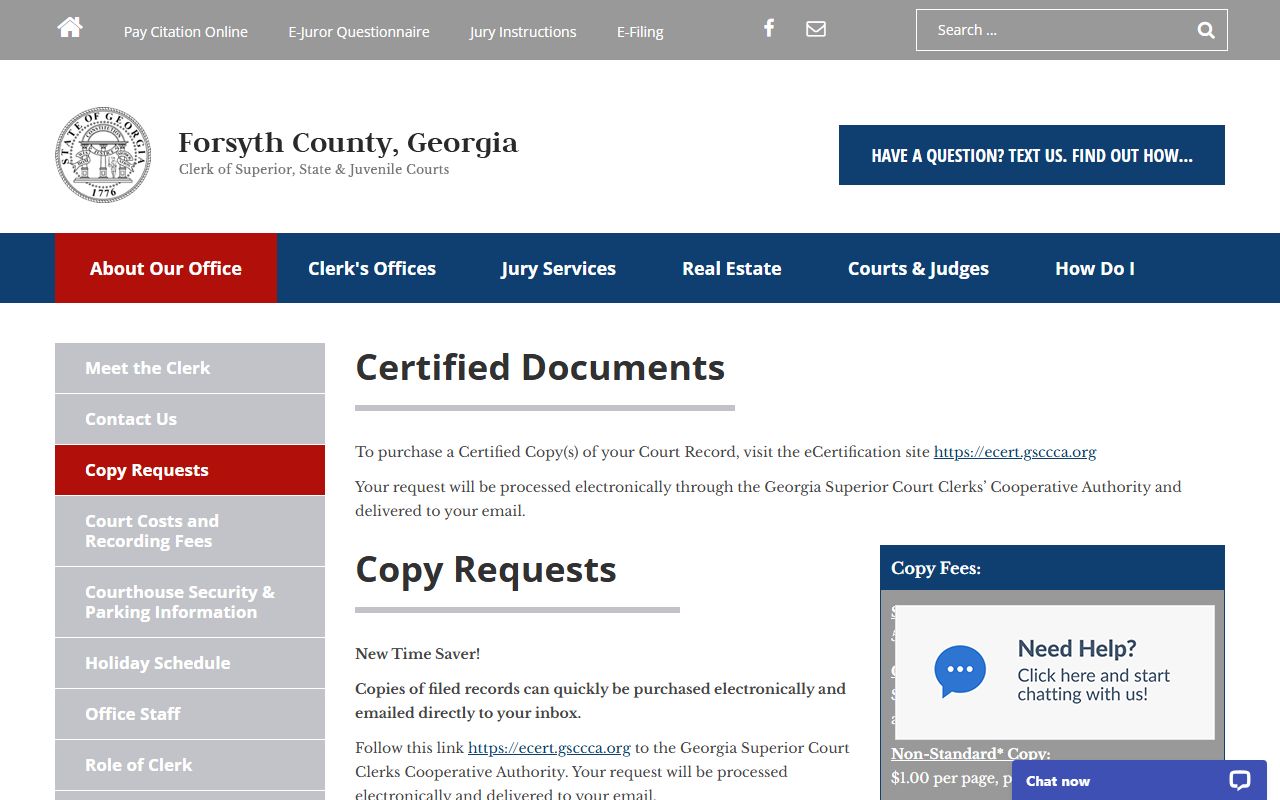
The page shows standard, certified, and non-standard copy fees and explains the eCertification link. The GSCCCA portal handles the certified copy itself.
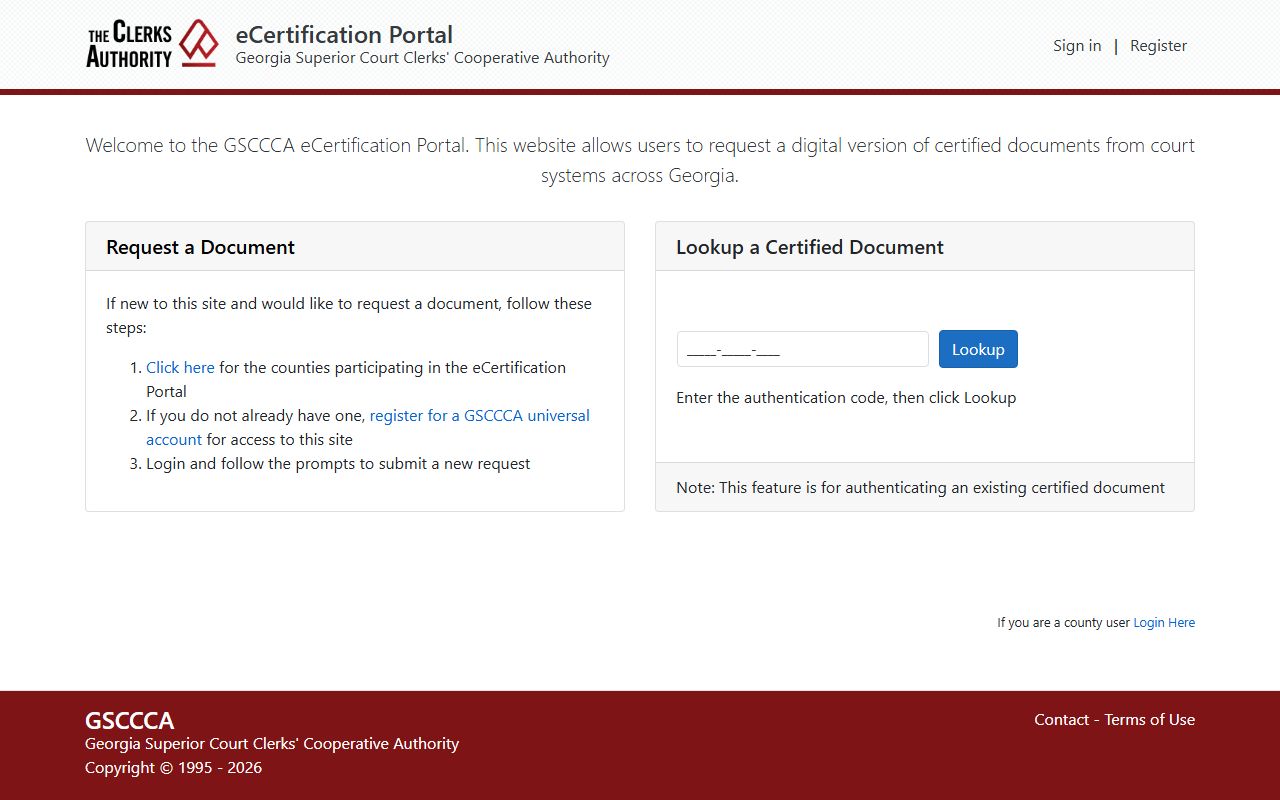
The eCertification site delivers electronic certified copies by email after purchase. Use the table below for a quick fee check.
| Item | Amount |
|---|---|
| Standard copy per page | $0.50 |
| Certified copy, first page | $2.50 |
| Certified copy, each added page | $0.50 |
| Non-standard copy per page | $1.00 |
The Clerk accepts cash, check payable to Forsyth County Clerk of Court, and Visa, MasterCard, or Discover. A 4.5% plus $0.50 convenience fee applies to card payments for traffic and court matters. Out-of-state personal checks are not accepted.
In-Person Court Record Requests
Walk-in record requests use the Clerk's counter at the courthouse. Bring a valid photo ID, the case number if you have it, and the names of the parties. The Clerk's office runs Monday through Friday from 8:30 a.m. to 5:00 p.m. for counter work, including traffic matters.
Clerk of Superior, State & Juvenile Courts
101 East Courthouse Square, Suite 1007
Cumming, GA 30040
770-781-2120
Mon-Fri, 8:30 a.m.-5:00 p.m.
Criminal records copy requests can also be mailed or emailed. The Clerk lists ClerkOfCourt@forsythco.com and the Suite 1007 mailing address for criminal copy requests. Hand-deliver large or multi-case copy orders for faster processing.